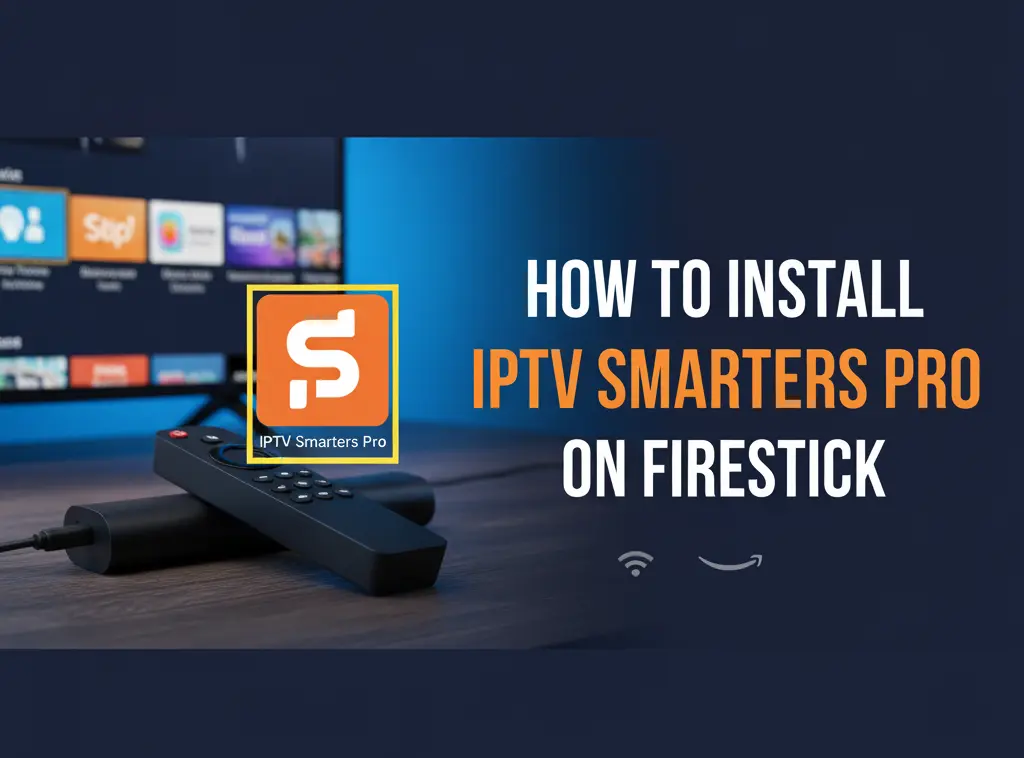
If you’ve been searching for how to install IPTV Smarters Pro on Firestick, you’re in the right place. In this easy step-by-step guide, you’ll learn exactly how to install and set it up on any Firestick model, including Firestick 4K, so you can stream your favorite channels, movies, and shows effortlessly.
What Is IPTV Smarters Pro
IPTV Smarters Pro is one of the most popular IPTV players used by millions of users worldwide. It’s a powerful media player that lets you watch live TV, on-demand movies, and TV series using your IPTV subscription.
The app doesn’t host any content itself, but it connects to your IPTV provider and displays everything in a beautiful, user-friendly interface. You can log in with either an M3U playlist link or Xtream Codes API credentials.
IPTV Smarters Pro is lightweight, fast, supports multiple playlists, and allows external players like VLC or MX Player. It’s the perfect companion for Firestick users who want a professional, cable-like viewing experience.
Why Use IPTV Smarters Pro on Firestick
Amazon Firestick transforms any regular TV into a smart streaming powerhouse. Pairing it with IPTV Smarters Pro gives you one of the smoothest IPTV experiences possible.
Here’s why it works so well:
IPTV Smarters Pro runs perfectly on Firestick’s operating system, delivering crisp HD and 4K playback. It’s designed for remote-friendly navigation, so you can browse and stream easily. You can manage multiple IPTV accounts from one app, and it integrates perfectly with services like Best IPTV Service such as Tivihub for a seamless, lag-free experience.
Together, they make a dream team for IPTV lovers.
Preparing Your Firestick for Installation
Because IPTV Smarters Pro isn’t available on the Amazon App Store, you’ll need to enable installations from unknown sources. It’s safe if you download directly from the official IPTV Smarters website.
Here’s how to prepare your device:
- Turn on your Firestick and go to Settings.
- Select My Fire TV and then Developer Options.
- Click Apps from Unknown Sources and toggle it ON.
- Go back to your home screen.
Now your Firestick is ready for the installation process.
Installing the Downloader App
To install IPTV Smarters Pro, you’ll first need the Downloader app, a free tool that allows you to download APK files directly to your Firestick.
Follow these quick steps:
- On the home screen, open Find, then Search.
- Type Downloader and select it from the results.
- Click Download or Get to install.
- Once installed, open the app and grant the necessary permissions.
You’ll use Downloader to install IPTV Smarters Pro in the next step.
Downloading and Installing IPTV Smarters Pro
- Open the Downloader app.
- In the URL bar, type https://www.iptvsmarters.com/smarters.apk.
- Press Go and wait for the APK file to download.
- Once downloaded, select Install.
- When the installation completes, click Open.
That’s it, you’ve successfully installed IPTV Smarters Pro on your Firestick.
Setting Up IPTV Smarters Pro for the First Time
Once the app opens, setup takes only a couple of minutes:
- Accept the terms and conditions.
- Choose Add New User.
- Pick your preferred login method: Load Your Playlist or File/URL or Login with Xtream Codes API.
- Enter your IPTV credentials from your provider.
- Tap Add User.
The app will automatically load your channels, movies, and series categories, so you can start watching instantly.
Installing IPTV Smarters Pro on Firestick 4K
If you’re using the Firestick 4K or 4K Max, don’t worry, the steps are identical. The only difference is ensuring your HDMI port supports 4K playback and that you have a fast, stable internet connection (at least 25 Mbps recommended).
Download the latest version of IPTV Smarters Pro to get the best 4K streaming quality. With that done, you’ll enjoy stunning visuals and fluid performance.
Exploring the IPTV Smarters Pro Interface
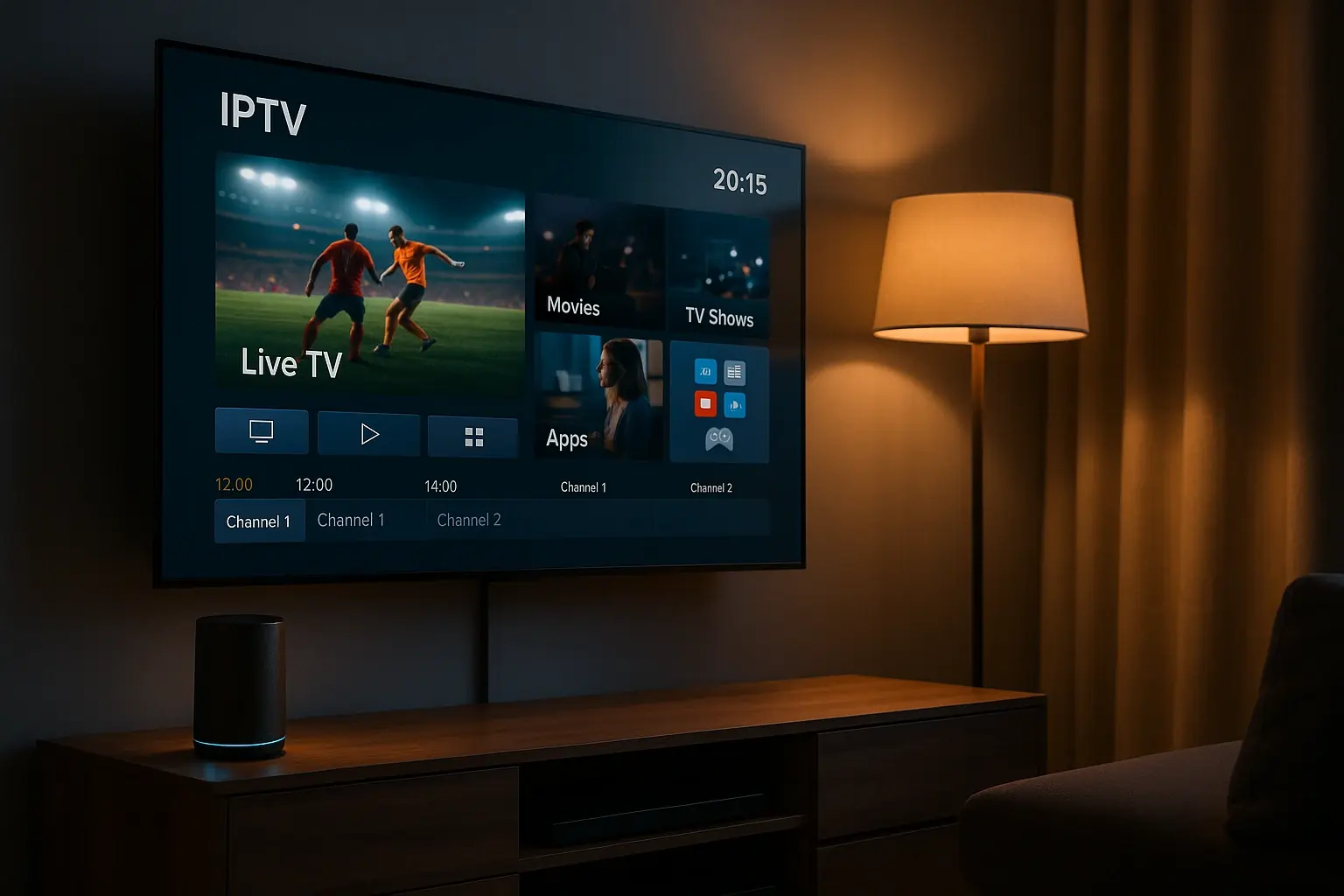
The app’s interface is clean, responsive, and easy to use. Here’s a quick tour:
Live TV: Watch channels in real time with an EPG guide.
Movies: Browse on-demand titles and enjoy cinema-style playback.
Series: Catch up on your favorite shows organized by season.
Catch Up: Replay missed programs if your provider supports this feature.
Settings: Manage users, adjust playback options, and customize preferences.
Even if you’re new to IPTV, you’ll find IPTV Smarters Pro incredibly intuitive.
Fixing Common IPTV Smarters Pro Issues
If you run into minor issues, here are some quick fixes:
App not opening: Clear the app cache and restart your Firestick.
Login errors: Double-check your IPTV credentials or contact your provider.
Buffering or freezing: Switch to a wired connection or use a VPN for better stability.
No sound or video: Change the decoder type in the app settings.
Crashes or glitches: Reinstall the latest version of IPTV Smarters Pro.
In most cases, these steps resolve any problem within minutes.
Optimizing Your Streaming Experience
To get the most out of IPTV Smarters Pro, make a few simple tweaks:
Use an Ethernet connection instead of Wi-Fi for faster speeds. Regularly clear your Firestick cache. Close unused apps running in the background. Use a reputable VPN like ExpressVPN to enhance privacy and access. Keep your Firestick firmware and IPTV Smarters Pro updated.
These small adjustments go a long way in improving performance and stream quality.
Frequently Asked Questions
Is IPTV Smarters Pro free?
Yes. The app is free to download and use. You’ll just need an IPTV subscription to access content.
Is IPTV Smarters Pro legal?
Yes, the app itself is legal, just make sure you’re using it with licensed IPTV services.
Can I install IPTV Smarters Pro without a computer?
Absolutely. Everything can be done directly on your Firestick using Downloader.
How do I update IPTV Smarters Pro?
Uninstall the current version, then reinstall the latest APK from the official website.
Does IPTV Smarters Pro work on Firestick 4K Max?
Yes, it works flawlessly on all Firestick and Fire TV models.
Conclusion: Stream Smarter with Tivihub
Now you know exactly how to install IPTV Smarters Pro on Firestick and how to make it perform at its best. The setup is quick, the app is powerful, and it gives you complete control over your IPTV experience.
If you’re looking for a trusted IPTV provider, try Tivihub’s 24-hour free IPTV trial at https://www.tivihub.com. Tivihub offers ultra-fast servers, zero buffering, and full compatibility with IPTV Smarters Pro.
Experience top-tier IPTV streaming today and discover why Tivihub is considered one of the best IPTV services for Firestick users worldwide.